Math programs for the TI-84 Evo, sent to your calculator from this page. Each one does something the calculator can't on its own.
Most run from the calculator's built-in TI-Basic menu; CalcPlex CAS runs in the Python app.
Checking your browser…
Something not working?
Fixing send problems
- Nothing listed in the connect popup: the calculator has to be plugged in and switched on to appear. Wake it up, check the USB cable (charge-only cables won't work), or move to a different port. Close any other tab that's using the calculator.
- Calculator busy? A program or menu is open on it.
Back out to the home screen (press
clearon the calculator repeatedly), then retry. - Program disappeared from the calculator? A reset or RAM clear removes programs. Just come back to this page and send it again.
- CalcPlex CAS says MemoryError when it starts? Delete other programs and games until it runs. You can resend anything you deleted later.
- No Python App? CalcPlex CAS and the Periodic Table need it. Here's how to reinstall it.
Using Safari or a phone?
Safari and phones can't connect to the calculator. Open this page in
Chrome, Edge, or Firefox on a computer and the one-click button does the
rest. Once a program is on the calculator, press prgm, choose
TI-Basic (or Python App for CalcPlex CAS), and pick it
from the list.
Still stuck? Email contact@calcplex.com and we'll take a look.
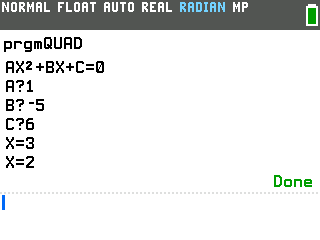
Quadratic Formula
Type a, b, and c and it prints both solutions to ax²+bx+c=0.
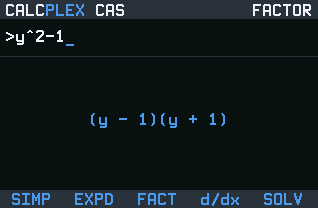
CalcPlex CAS
Solves equations and inequalities, factors, does derivatives. Shows steps.
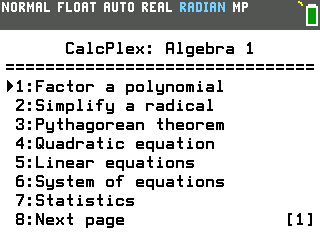
Algebra 1 Suite
Factoring, quadratics, systems, sequences and more in one menu.
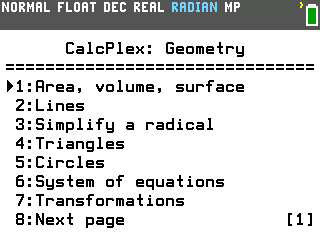
Geometry Suite
Right triangles, law of sines, circles, area and volume in one menu.
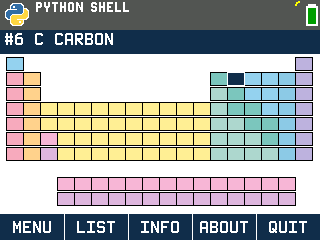
Periodic Table
All 118 elements, with each one's mass, electron configuration and more.
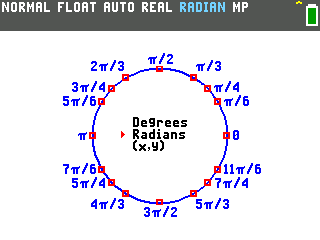
Unit Circle
The whole unit circle: every angle in degrees, radians, and exact (x,y).
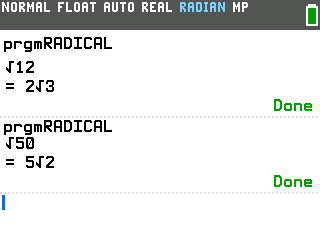
Radical Simplifier
Simplifies any square root exactly: type 50, get 5√2 instead of 7.071.
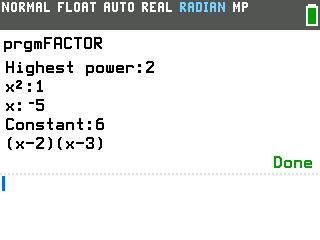
Factoring Polynomials
Type the coefficients and it prints the factored form, like (x-2)(x-3).
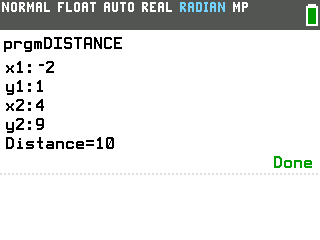
Distance Formula
Type the coordinates of two points and it finds the distance between them.
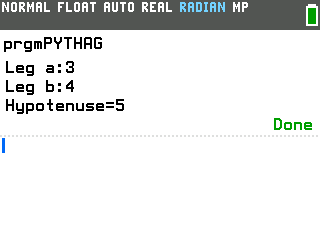
Pythagorean Theorem
Type the two sides of a right triangle you know and it finds the third.
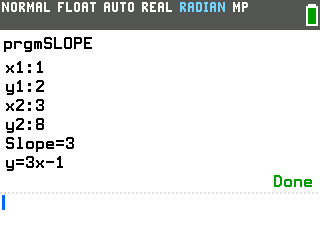
Slope Formula
Type two points and get the slope and the y=mx+b equation.
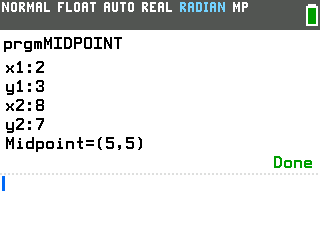
Midpoint Formula
Type the coordinates of two points and it finds the midpoint between them.
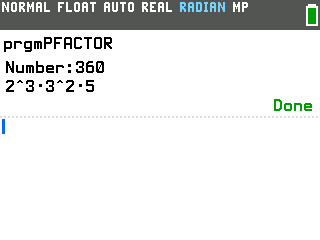
Prime Factorization
Break any whole number into its prime factors, like 360 into 2³·3²·5.
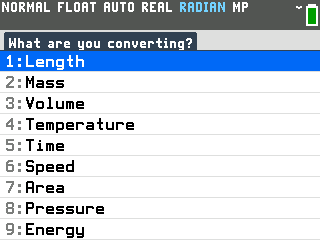
Unit Converter
Length, mass, volume, temperature, time, speed, area, pressure and energy.
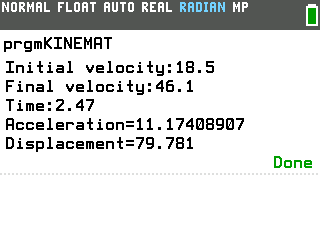
Kinematics Solver
Type the three motion values you know and it finds the other two.
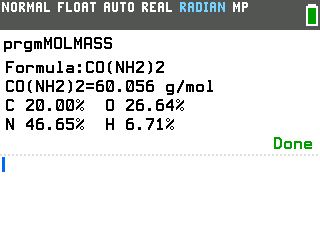
Molar Mass Calculator
Type a chemical formula and get its molar mass and percent by mass.
Have an idea or feedback? Tell us. Made your own program? Submit it.