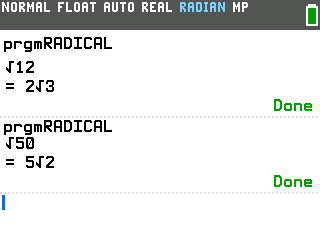
Ask a TI-84 Evo for √50 and it answers 7.071067812, when math class wants the exact form, 5√2. This program prints the simplified radical for any whole number, right on the calculator.
By CalcPlex.
Send it to your calculator
Nothing listed in the connect popup: the calculator has to be plugged in and switched on to appear. Wake it up, check the USB cable (charge-only cables won't work), or move to a different port. Close any other tab that's using the calculator.
Have a TI-84 Plus CE? Get Radical Simplifier for the CE.
Open it on the calculator
- Press the
prgmkey. The PROGRAMMING menu opens.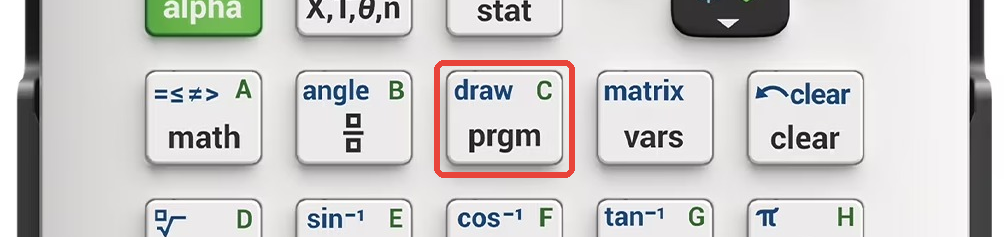
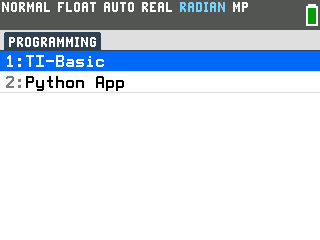
- Press
enterto select TI-Basic. The list of TI-Basic programs opens.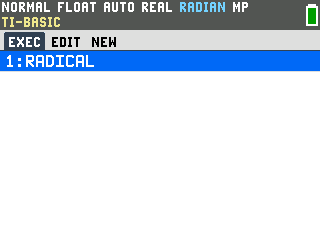
- Press
enteron RADICAL in the program list, which puts prgmRADICAL on the home screen. - Press
enterto run it. The program prints a square root sign and waits for a number.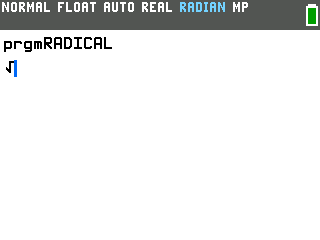
Simplify a radical
- Type the number and press
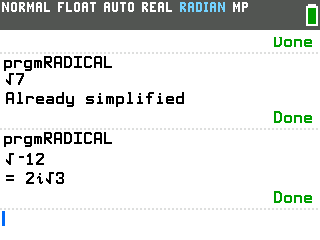
enter. 12 comes back as 2√3, the exact simplified form, and the program ends on its own, with nothing to escape out of.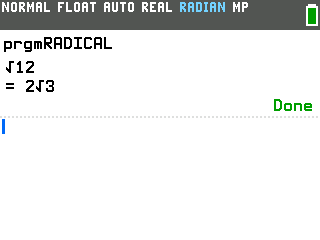
- Press
enterfor the next number. The calculator reruns whatever it did last, so the square root prompt comes right back.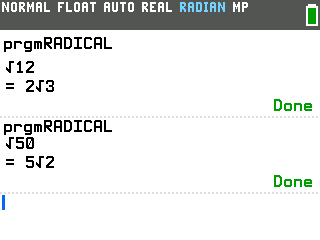
Good to know
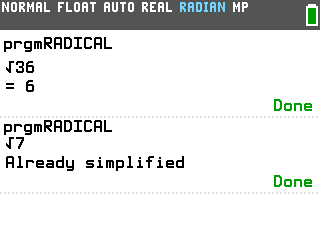
- Perfect squares come back as plain numbers. 36 prints = 6, and √144
gives 12. If a number has no square factor to pull out, like 7, it says "Already
simplified" instead of leaving you guessing.
- Negative whole numbers work too. The program pulls out i and simplifies
the positive radical; for example, √−12 becomes 2i√3.
- Use whole numbers, not decimals.