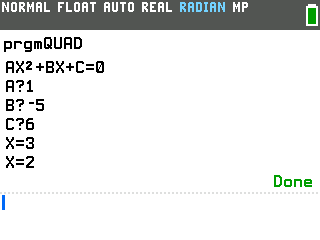
Type a, b, and c and this program prints both solutions to ax² + bx + c = 0, with no formula to key in by hand.
By CalcPlex.
Send it to your calculator
Nothing listed in the connect popup: the calculator has to be plugged in and switched on to appear. Wake it up, check the USB cable (charge-only cables won't work), or move to a different port. Close any other tab that's using the calculator.
Open it on the calculator
- Press the
prgmkey. The PROGRAMMING menu opens.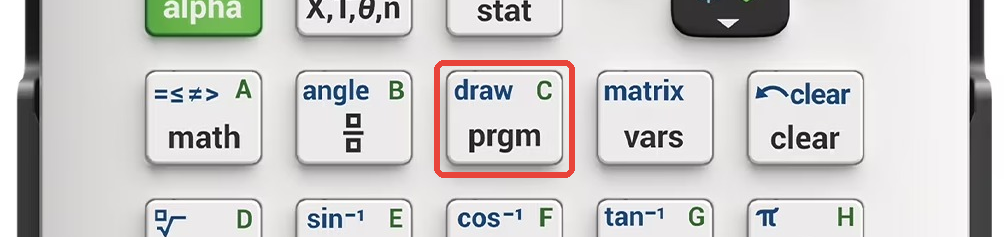
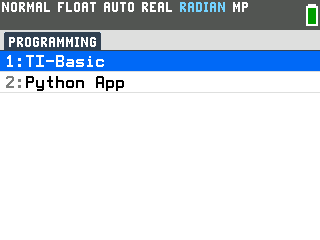
- Press
enterto select TI-Basic. The list of TI-Basic programs opens.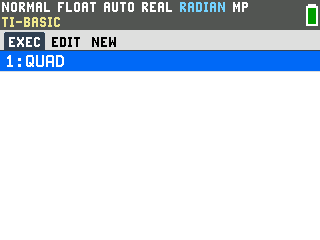
- Press
enteron QUAD in the program list, which puts prgmQUAD on the home screen. - Press
enterto run it. The program prints the standard form AX²+BX+C=0 as a reminder of what each letter stands for, then asks for the first coefficient with an A? prompt.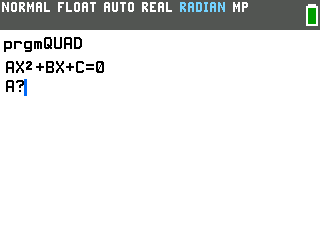
Solve a quadratic
- Type a, b, and c, pressing
enterafter each. For x² − 5x + 6, that's A = 1, then B = −5, then C = 6. The moment you enter C, it lists both solutions, labeled so you can read them off at a glance: X = 3 and X = 2.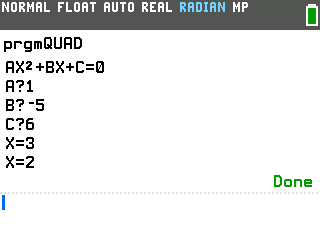
To solve another one, just press enter on the home screen. The calculator reruns the program and the A? prompt comes right back.
Good to know
- It's the quadratic formula, worked out for you. Behind the scenes the program evaluates x = (−b ± √(b² − 4ac)) / (2a) from the a, b, and c you type, so you get both roots without keying that whole expression in by hand.
- A repeated solution shows up twice. x² − 4x + 4 has the one solution 2, so the program prints X = 2 and X = 2. That doubled answer is your signal the parabola just touches the x-axis at a single point.
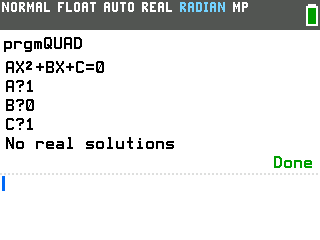
- Complex roots are supported. When the part under the
square root is negative, the program says there are no real solutions and then prints both
complex roots. For x² + 1 it gives X = i and X = −i.
It switches the calculator to a+bi mode for the calculation and leaves that mode on.
- Enter 0 for A and it isn't a quadratic. With no x² term, the program answers "Not a quadratic."