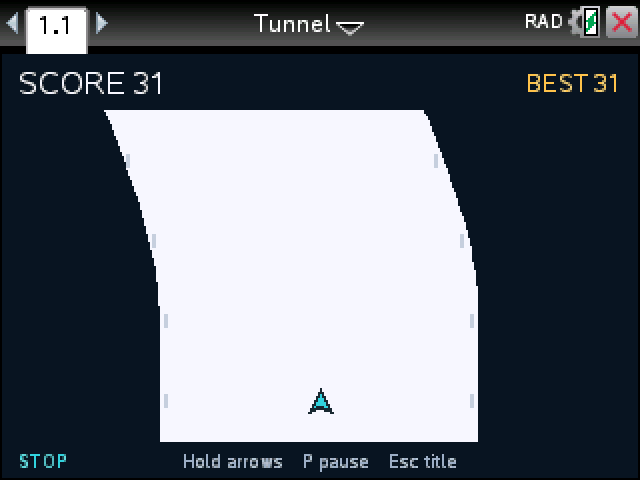
Keep your arrow inside the white lane. It gets narrower and faster the longer you last, and touching the edge ends the run.
By CalcPlex.
How to install it
- Download the game with the button above. You'll get a .tns file, the file type TI-Nspire calculators use.
- Open nspireconnect.ti.com in Chrome on a computer or Chromebook, and plug your calculator in with its charging cable.
- Choose File Transfer, then To Calculator, then From Computer, and pick the .tns file you just downloaded.
- When it lands, the calculator shows a prompt. Choose Open and you're playing.
TI's web app only supports the CX II and CX II CAS. If you have an original CX, or you already use the TI-Nspire Student Software, sending the file through that works the same. The game lives in My Documents afterwards, so you can reopen it any time.
Steering
- enter starts a run.
- Hold left or right to slide that way. Let go and the arrow stops a moment later. The corner of the screen shows which way you're moving.
- P pauses and esc goes back to the title.
What changes as you go
The lane starts wide and straight, then starts to curve. It keeps narrowing until it's less than a third of its starting width, and the speed climbs the whole time. Your score is the distance you cover.
The bends never drift sideways faster than the arrow can steer, so every curve can be followed if you start moving early. Small taps are good for nudging back to the middle; for a long bend, hold the key.
After a crash, enter goes straight into the next run. Your best stays at the top of the screen until you close the document.