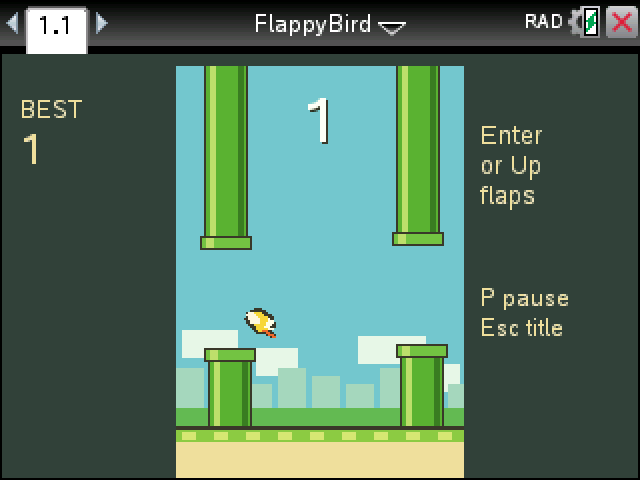
Flap the bird through the gaps in the pipes and don't touch anything. Every pipe you get past is a point.
By CalcPlex.
How to install it
- Download the game with the button above. You'll get a .tns file, the file type TI-Nspire calculators use.
- Open nspireconnect.ti.com in Chrome on a computer or Chromebook, and plug your calculator in with its charging cable.
- Choose File Transfer, then To Calculator, then From Computer, and pick the .tns file you just downloaded.
- When it lands, the calculator shows a prompt. Choose Open and you're playing.
TI's web app only supports the CX II and CX II CAS. If you have an original CX, or you already use the TI-Nspire Student Software, sending the file through that works the same. The game lives in My Documents afterwards, so you can reopen it any time.
Flying
- enter on the title screen takes you to Get Ready. Press enter or the up arrow to take off.
- Each press of enter or up is one flap. Gravity handles the rest, so short taps beat panicked mashing.
- P pauses and esc goes back to the title.
Medals
When you crash, the score card hands out a medal for the run: bronze at 10 points, silver at 20, gold at 30 and platinum at 40. Under 10 you get nothing, which is how most first runs go.
The flap and the fall are tuned to measurements of the original phone game, so if you played it back in 2014 the timing should come back quickly. Your best score sits on the title screen until you close the document.