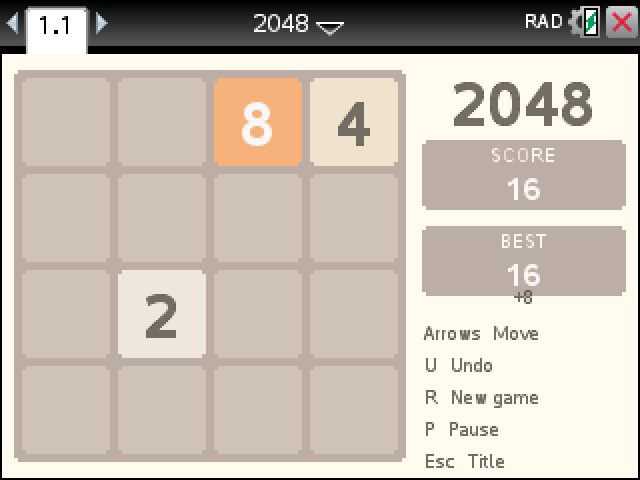
Slide every tile at once, merge matching numbers, and keep going until you build a 2048. It plays like the web game, original colors included.
By CalcPlex. Rules adapted from Gabriele Cirulli's 2048, MIT license.
How to install it
- Download the game with the button above and unzip it, then send 2048.tns to your calculator. That's the game. The text file beside it is the license notice for Gabriele Cirulli's original 2048.
- Open nspireconnect.ti.com in Chrome on a computer or Chromebook, and plug your calculator in with its charging cable.
- Choose File Transfer, then To Calculator, then From Computer, and pick the .tns file you just downloaded.
- When it lands, the calculator shows a prompt. Choose Open and you're playing.
TI's web app only supports the CX II and CX II CAS. If you have an original CX, or you already use the TI-Nspire Student Software, sending the file through that works the same. The game lives in My Documents afterwards, so you can reopen it any time.
Playing
- The arrow keys slide the whole board. Two equal tiles that collide merge into one, and every move adds a new 2 or, now and then, a 4.
- U undoes your last move. You only get one at a time, so it won't rewind a whole bad streak.
- R starts a new game, P pauses, and esc goes back to the title.
Each merge adds the new tile's value to your score. A move that doesn't shift anything doesn't count, and no new tile appears.
After 2048
Making your first 2048 stops the game with a win message. Press enter to keep the same board and chase 4096. When the board fills up and nothing can merge, the game is over, though undo still works on that last move if you want one more try.
Your best score stays on the title screen until you close the document.