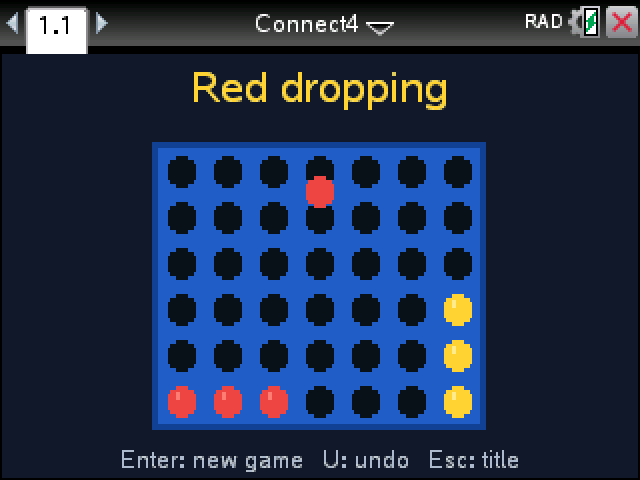
Drop discs into the grid and get four in a row before the other side does. Red always goes first.
By CalcPlex.
How to install it
- Download the game with the button above. You'll get a .tns file, the file type TI-Nspire calculators use.
- Open nspireconnect.ti.com in Chrome on a computer or Chromebook, and plug your calculator in with its charging cable.
- Choose File Transfer, then To Calculator, then From Computer, and pick the .tns file you just downloaded.
- When it lands, the calculator shows a prompt. Choose Open and you're playing.
TI's web app only supports the CX II and CX II CAS. If you have an original CX, or you already use the TI-Nspire Student Software, sending the file through that works the same. The game lives in My Documents afterwards, so you can reopen it any time.
Setting up a game
On the title screen, left and right choose who you're playing: Two players, Computer easy or Computer strong. up and down change the board from the classic 7 by 6 to 8 by 7 or 9 by 8. Press enter to start. Against the computer you play red.
Controls
- left and right pick a column, enter drops the disc.
- U or del undoes. Against the computer it takes back its reply and your move together, so you're straight back to your turn.
- P pauses, R starts the game over, and esc goes back to the title.
Four in a row wins in any direction, across, up and down, or on either diagonal, and the winning four get white rings. Fill the whole board with nobody connecting and it's a draw.
Easy takes a win when it sees one and blocks yours, but not much more. Strong looks a lot further ahead. It can be beaten; the center column is a good place to start.