ADVENTUR
By Hactar. Original release page
Plug in your TI-84 Plus CE and turn it on.
Plug in your TI-84 Plus CE, turn it on, and click Connect to send this game.
In the list that opens, click your calculator, then Connect. Use the cable that came with your calculator. Some cables only charge.
Sending straight to your calculator works in Chrome or Edge on a computer.
Trouble connecting?
- In the list that opens, click your calculator, then Connect.
- Use the cable that came with your calculator. Some cables only charge.
Description
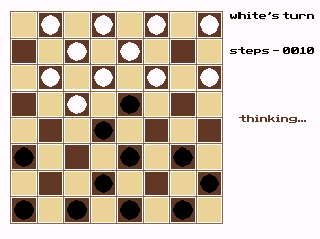
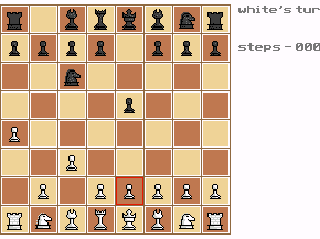
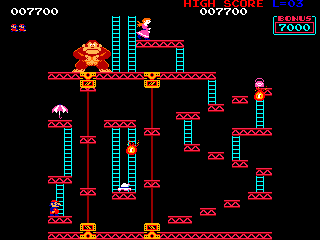
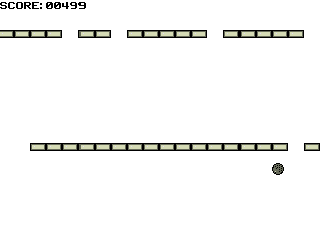
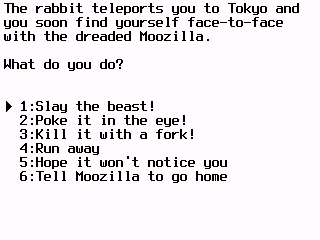
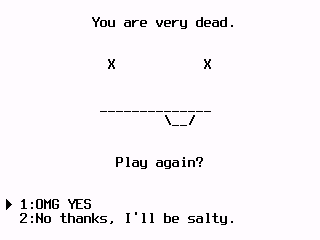
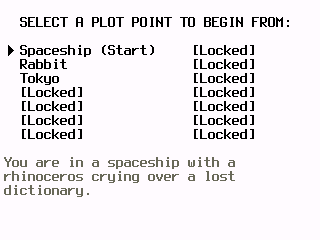
The thumbnail says it all. A game about choice.
Controls
- Arrow keys: change selection
- Enter/2nd: select choice
- Clear: save and exit
- Del: reset data and exit
- Exit: Clear saves your progress and exits; Del resets your data and exits
From Hactar’s readme.