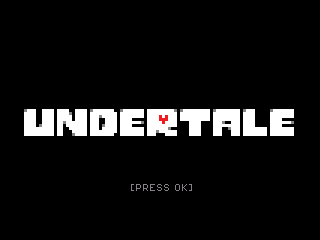
Undertale
By Mason363.
This browser can't send to a calculator. Open this page in Chrome or Edge on a computer.
Plug in your NumWorks and click Send to calculator.
For the N0110, N0115 and N0120 with NumWorks software 23.2 or later, in Chrome or Edge.
Description
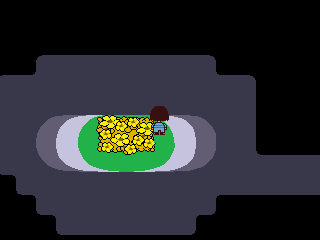
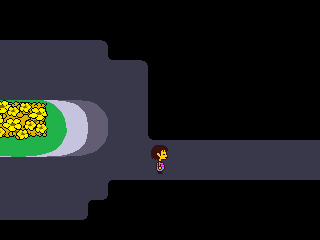
Undertale is the RPG where you fall into a world of monsters and can fight them or find a way to spare them. You travel from the Ruins through Snowdin, Waterfall, Hotland and the CORE to New Home, solving puzzles and dodging attacks with your SOUL.
Save at the stars as in the original. The game runs to the neutral ending; the pacifist and genocide routes aren't included.
Controls
- Arrows: Walk, move your SOUL and choose.
- OK/EXE: Talk, read and confirm (Z in the original).
- Back/Backspace: Cancel, or show all the text at once (X).
- toolbox/shift/var: Open the menu with ITEM, STAT and CELL (C).
- Home: Keep your spot and quit.
Credits
- By Mason363.
- Based on Undertale by Toby Fox.
- Source code: games/undertale in NumPlay v1.24.9, under the GPL-3.0 license.
- CalcPlex adds a little startup code to the game as it sends it: App startup code (GPL-3.0).
Report a problemAll releases on GitHub
Installing NumWorks games
- Games run on the NumWorks N0110, N0115 and N0120 with NumWorks software 23.2 or later. The N0100 can't run apps. To see your model and software, open Settings, then About.
- Sending works in Chrome or Edge on a computer. Plug the calculator into the computer, click Send to calculator and pick it in the list that opens.
- When the game is sent, unplug the cable. The game is on the home screen.
- Games are hidden while the calculator is in exam mode, and a reset erases them.