Five Nights at Freddy's
By Mason363.
This browser can't send to a calculator. Open this page in Chrome or Edge on a computer.
Plug in your NumWorks and click Send to calculator.
For the N0110, N0115 and N0120 with NumWorks software 23.2 or later, in Chrome or Edge.
Description
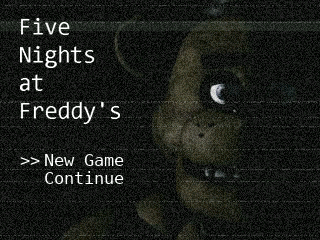
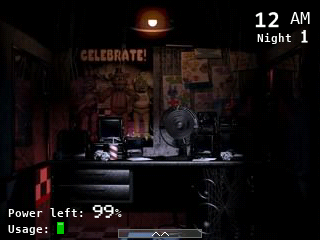
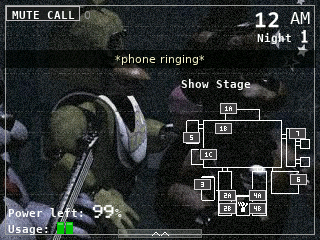
Five Nights at Freddy's puts you in the security office from 12 AM to 6 AM while Freddy, Bonnie, Chica and Foxy roam the pizzeria. Check the eleven cameras, light the doorways and close the doors, but everything you use drains the power.
All five nights are here, plus the 6th night and the Custom Night, with the Phone Guy's calls shown as subtitles.
Controls
- Left/Right: Look left and right.
- 7/9: Use the left or right door.
- 1/3: Use the left or right light.
- OK/EXE/8: Raise and lower the monitor.
- 1 to 7: On the monitor, pick a camera.
- 0/Backspace: Mute the phone call.
- Back: Pause.
- Home: Keep the night and quit.
Credits
- By Mason363.
- Based on the game by Scott Cawthon.
- Source code: games/fnaf in NumPlay v1.24.9, under the GPL-3.0 license.
- CalcPlex adds a little startup code to the game as it sends it: App startup code (GPL-3.0).
Report a problemAll releases on GitHub
Installing NumWorks games
- Games run on the NumWorks N0110, N0115 and N0120 with NumWorks software 23.2 or later. The N0100 can't run apps. To see your model and software, open Settings, then About.
- Sending works in Chrome or Edge on a computer. Plug the calculator into the computer, click Send to calculator and pick it in the list that opens.
- When the game is sent, unplug the cable. The game is on the home screen.
- Games are hidden while the calculator is in exam mode, and a reset erases them.