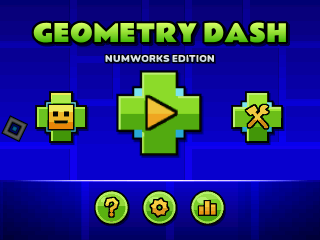
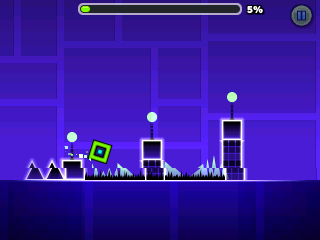
NumDash
By Mason363.
This browser can't send to a calculator. Open this page in Chrome or Edge on a computer.
Plug in your NumWorks and click Send to calculator.
For the N0110, N0115 and N0120 with NumWorks software 23.2 or later, in Chrome or Edge.
Description
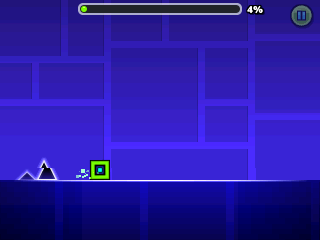
NumDash brings Geometry Dash to the NumWorks, where one key makes your icon jump, fly the ship or flip the ball. It has twelve levels from the original, Stereo Madness through Clubstep, Deadlocked and Dash, each with three hidden coins.
Practice mode lets you drop checkpoints, and the level editor keeps up to three levels of your own.
Controls
- OK/EXE/Up: Jump. Hold it to keep jumping, fly the ship up or flip the ball.
- Back: Pause, or go back in menus.
- Arrows: Move around the menus.
- 0: Place a checkpoint in practice mode.
- Backspace: Remove your last checkpoint.
- Home: Save and quit.
Credits
- By Mason363.
- Source code: games/numdash in NumPlay v1.24.9, under the GPL-3.0 license.
- CalcPlex adds a little startup code to the game as it sends it: App startup code (GPL-3.0).
Report a problemAll releases on GitHub
Installing NumWorks games
- Games run on the NumWorks N0110, N0115 and N0120 with NumWorks software 23.2 or later. The N0100 can't run apps. To see your model and software, open Settings, then About.
- Sending works in Chrome or Edge on a computer. Plug the calculator into the computer, click Send to calculator and pick it in the list that opens.
- When the game is sent, unplug the cable. The game is on the home screen.
- Games are hidden while the calculator is in exam mode, and a reset erases them.