Subway Surfers
By Mason363.
This browser can't send to a calculator. Open this page in Chrome or Edge on a computer.
Plug in your NumWorks and click Send to calculator.
For the N0110, N0115 and N0120 with NumWorks software 23.2 or later, in Chrome or Edge.
Description
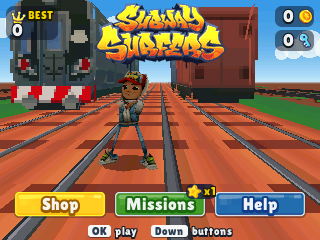
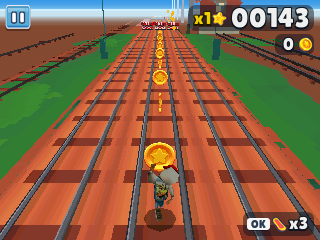
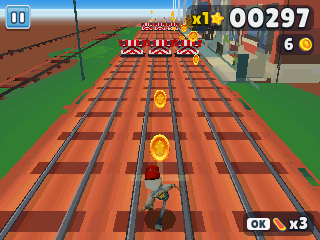
Subway Surfers is the endless 3D runner: switch tracks, jump and roll past the trains while the Inspector and his dog chase you. Grab coins and power-ups like the Jetpack, Super Sneakers and Coin Magnet along the way.
Coins buy upgrades and unlock Tricky, Fresh and Spike in the shop, and missions push your score multiplier up to x30.
Controls
- Left/Right: Change tracks.
- Up: Jump.
- Down: Roll. In the air, dive down and roll.
- OK/EXE: Ride a hoverboard.
- 1: Use a headstart at the start of a run.
- 3: Use a score booster at the start of a run.
- Back: Pause, or go back in menus.
- Home: Save and quit.
Credits
- By Mason363.
- Based on Subway Surfers by SYBO and Kiloo.
- Source code: games/subway in NumPlay v1.24.9, under the GPL-3.0 license.
- CalcPlex adds a little startup code to the game as it sends it: App startup code (GPL-3.0).
Report a problemAll releases on GitHub
Installing NumWorks games
- Games run on the NumWorks N0110, N0115 and N0120 with NumWorks software 23.2 or later. The N0100 can't run apps. To see your model and software, open Settings, then About.
- Sending works in Chrome or Edge on a computer. Plug the calculator into the computer, click Send to calculator and pick it in the list that opens.
- When the game is sent, unplug the cable. The game is on the home screen.
- Games are hidden while the calculator is in exam mode, and a reset erases them.