Snake
By Mason363.
This browser can't send to a calculator. Open this page in Chrome or Edge on a computer.
Plug in your NumWorks and click Send to calculator.
For the N0110, N0115 and N0120 with NumWorks software 23.2 or later, in Chrome or Edge.
Description
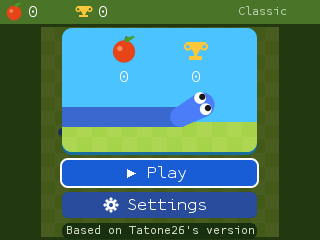
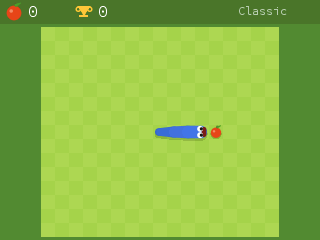
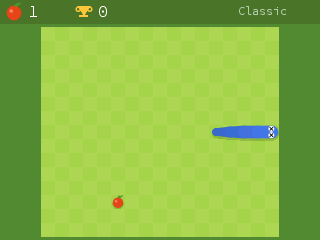
Snake as Google plays it when you search for it: eat fruit, grow longer and don't crash. Twelve modes change the rules, like Portal, where fruit comes in linked pairs, or Yin Yang, where a second snake mirrors your moves.
Settings cover the fruit, speed, board size, snake color and theme, and Shuffle picks them all at random.
Controls
- Arrows: Turn.
- OK: Start, or choose.
- Left/Right: Change a setting.
- Back: Pause.
- Home: Quit.
Credits
- By Mason363.
- Inspired by Tatone26's All the Apps.
- Source code: games/snake in NumPlay v1.24.9, under the GPL-3.0 license.
- CalcPlex adds a little startup code to the game as it sends it: App startup code (GPL-3.0).
Report a problemAll releases on GitHub
Installing NumWorks games
- Games run on the NumWorks N0110, N0115 and N0120 with NumWorks software 23.2 or later. The N0100 can't run apps. To see your model and software, open Settings, then About.
- Sending works in Chrome or Edge on a computer. Plug the calculator into the computer, click Send to calculator and pick it in the list that opens.
- When the game is sent, unplug the cable. The game is on the home screen.
- Games are hidden while the calculator is in exam mode, and a reset erases them.