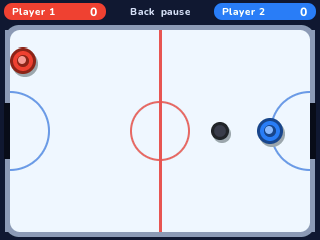
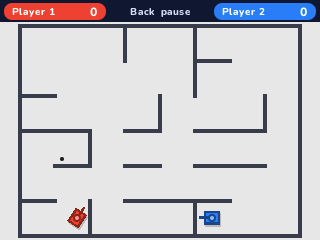
2 Players
By Mason363.
This browser can't send to a calculator. Open this page in Chrome or Edge on a computer.
Plug in your NumWorks and click Send to calculator.
For the N0110, N0115 and N0120 with NumWorks software 23.2 or later, in Chrome or Edge.
Description
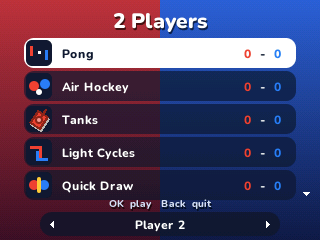
2 Players has six games for two people sharing one calculator: Pong, Air Hockey, Tanks, Light Cycles, Quick Draw and Tug of War. One player uses the arrows and OK, the other the keys around + and EXE, both at the same time.
Playing alone, you can make player 2 the computer on easy, normal or hard. Wins are kept for each game.
Controls
- Arrows: Move player 1.
- OK: Fire, draw or pull for player 1.
- ×/ans/3/-: Move player 2 up, down, left and right.
- EXE: Fire, draw or pull for player 2.
- Up/Down: Pick a game on the menu.
- Left/Right: Choose a friend or the computer as player 2.
- Back: Pause.
Credits
- By Mason363.
- Quick Draw and Tug of War by Bobydeluxe.
- Source code: games/twoplayer in NumPlay v1.24.9, under the GPL-3.0 license.
- CalcPlex adds a little startup code to the game as it sends it: App startup code (GPL-3.0).
Report a problemAll releases on GitHub
Installing NumWorks games
- Games run on the NumWorks N0110, N0115 and N0120 with NumWorks software 23.2 or later. The N0100 can't run apps. To see your model and software, open Settings, then About.
- Sending works in Chrome or Edge on a computer. Plug the calculator into the computer, click Send to calculator and pick it in the list that opens.
- When the game is sent, unplug the cable. The game is on the home screen.
- Games are hidden while the calculator is in exam mode, and a reset erases them.