Blackjack
- TI-84 Plus CE
- Game
By Pixple.
Plug in your TI-84 Plus CE, turn it on, and click Connect to send this game.
In the list that opens, click your calculator, then Connect. Use the cable that came with your calculator. Some cables only charge.
Sending straight to your calculator works in Chrome or Edge on a computer.
Description
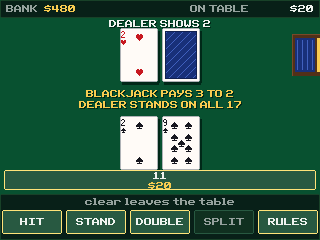
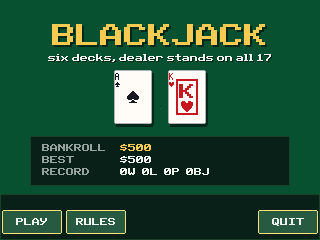
Six-deck blackjack against a dealer who stands on all 17. Split pairs into as many as four hands, double down on any two cards including after a split, take insurance when the dealer shows an ace, and collect 3 to 2 on a natural. You sit down with $500; the calculator keeps your bankroll and your win-loss record for next time.
Controls
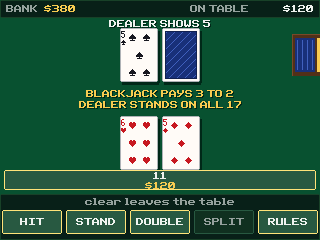
- Top row (y=, window, zoom, trace, graph): whatever the five on-screen labels say. In a hand that is HIT, STAND, DOUBLE, SPLIT and RULES, and a greyed-out label is a move this hand cannot make.
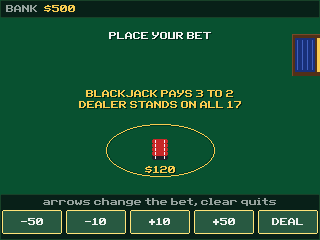
- Arrows (at the betting screen): up and down move the bet by $50, right and left by $10. Bets run from $10 to $500.
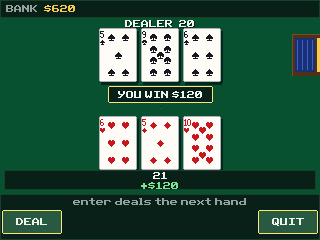
- enter: deals the hand, and deals the next one after a hand settles.
- clear: steps back: out of the rules screen, out of the hand (it asks first, because the money on the table is lost), and out of the game.