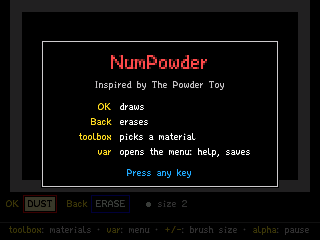
NumPowder
By Mason363.
This browser can't send to a calculator. Open this page in Chrome or Edge on a computer.
Plug in your NumWorks and click Send to calculator.
For the N0110, N0115 and N0120 with NumWorks software 23.2 or later, in Chrome or Edge.
Description
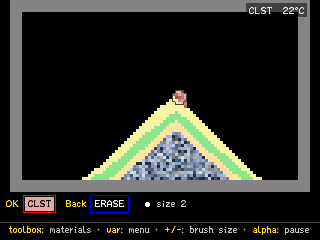
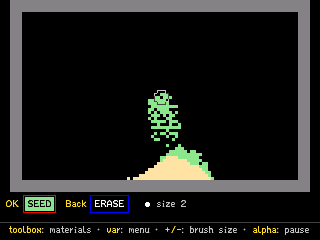
NumPowder is a sandbox based on The Powder Toy: pick a material, draw it, and see what happens when it meets something else. There are 175 materials, from sand and water to lava, acid and plutonium, with heat, air pressure and electricity running through metal.
Four save slots keep what you build.
Controls
- Arrows: Move the brush.
- OK: Draw with the chosen material.
- Back: Draw with the second tool, which erases at first.
- toolbox: Open the materials.
- var: Open the menu to save, load or clear.
- +/-: Change the brush size.
- alpha: Pause.
- Home: Save and quit.
Credits
- By Mason363.
- Inspired by The Powder Toy.
- Materials, font and icons from The Powder Toy (GPL-3.0), by its contributors.
- Source code: games/numpowder in NumPlay v1.24.9, under the GPL-3.0 license.
- CalcPlex adds a little startup code to the game as it sends it: App startup code (GPL-3.0).
Report a problemAll releases on GitHub
Installing NumWorks games
- Games run on the NumWorks N0110, N0115 and N0120 with NumWorks software 23.2 or later. The N0100 can't run apps. To see your model and software, open Settings, then About.
- Sending works in Chrome or Edge on a computer. Plug the calculator into the computer, click Send to calculator and pick it in the list that opens.
- When the game is sent, unplug the cable. The game is on the home screen.
- Games are hidden while the calculator is in exam mode, and a reset erases them.