Chess
By Mason363.
This browser can't send to a calculator. Open this page in Chrome or Edge on a computer.
Plug in your NumWorks and click Send to calculator.
For the N0110, N0115 and N0120 with NumWorks software 23.2 or later, in Chrome or Edge.
Description
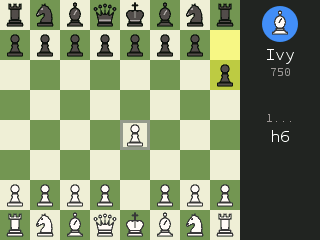
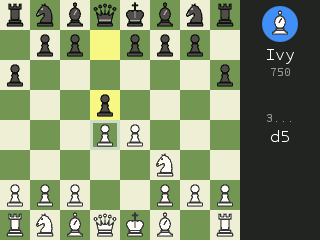
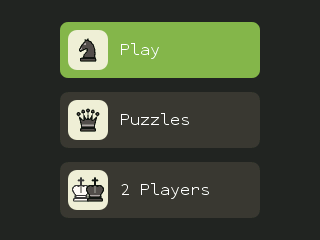
A full chess game with three ways to play. Pick from 12 bots rated from about 150 to 2100, most of them friendly to beginners, or solve puzzles made on the calculator: mate in 1, 2 or 3, or find the winning move, with a rating and a streak.
Two-player mode adds a chess clock and turns the board toward whoever moves next.
Controls
- Arrows: Move the cursor.
- OK/EXE: Pick a piece, then its move.
- Back: Deselect, or open the pause menu.
- Backspace: Undo.
- Home: Quit.
Credits
- By Mason363.
- Source code: games/chess in NumPlay v1.24.9, under the GPL-3.0 license.
- CalcPlex adds a little startup code to the game as it sends it: App startup code (GPL-3.0).
Report a problemAll releases on GitHub
Installing NumWorks games
- Games run on the NumWorks N0110, N0115 and N0120 with NumWorks software 23.2 or later. The N0100 can't run apps. To see your model and software, open Settings, then About.
- Sending works in Chrome or Edge on a computer. Plug the calculator into the computer, click Send to calculator and pick it in the list that opens.
- When the game is sent, unplug the cable. The game is on the home screen.
- Games are hidden while the calculator is in exam mode, and a reset erases them.