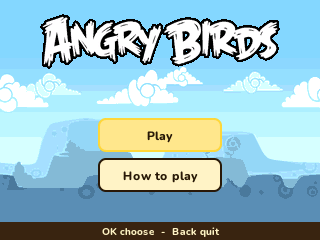
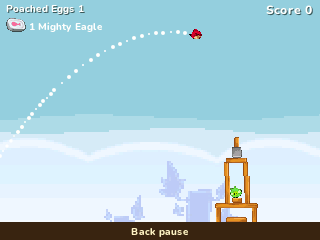
Angry Birds
By Mason363.
This browser can't send to a calculator. Open this page in Chrome or Edge on a computer.
Plug in your NumWorks and click Send to calculator.
For the N0110, N0115 and N0120 with NumWorks software 23.2 or later, in Chrome or Edge.
Description
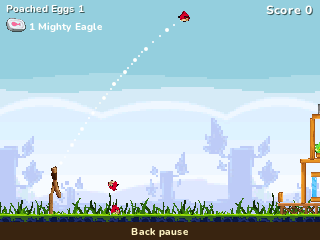
Angry Birds is the slingshot puzzle game: aim, pull back and launch birds to knock down the pigs' towers. This version has the 429 levels of the Chrome edition in twelve episodes, from Poached Eggs to Summer Pignic.
Each bird has a power, from the yellow one's burst of speed to the black one's explosion, and the Mighty Eagle can sweep through a level when you're stuck.
Controls
- Up/Down: Aim the slingshot.
- Left/Right: Pull back less or more.
- OK: Fire, then press again for the bird's power.
- 1: Call the Mighty Eagle.
- shift: Hold to look at the pigs.
- Back: Pause.
- Home: Save and quit.
Credits
- By Mason363.
- Based on Angry Birds by Rovio.
- Brought to NumPlay by Bobydeluxe.
- Source code: games/angrybirds in NumPlay v1.24.9, under the GPL-3.0 license.
- CalcPlex adds a little startup code to the game as it sends it: App startup code (GPL-3.0).
Report a problemAll releases on GitHub
Installing NumWorks games
- Games run on the NumWorks N0110, N0115 and N0120 with NumWorks software 23.2 or later. The N0100 can't run apps. To see your model and software, open Settings, then About.
- Sending works in Chrome or Edge on a computer. Plug the calculator into the computer, click Send to calculator and pick it in the list that opens.
- When the game is sent, unplug the cable. The game is on the home screen.
- Games are hidden while the calculator is in exam mode, and a reset erases them.